
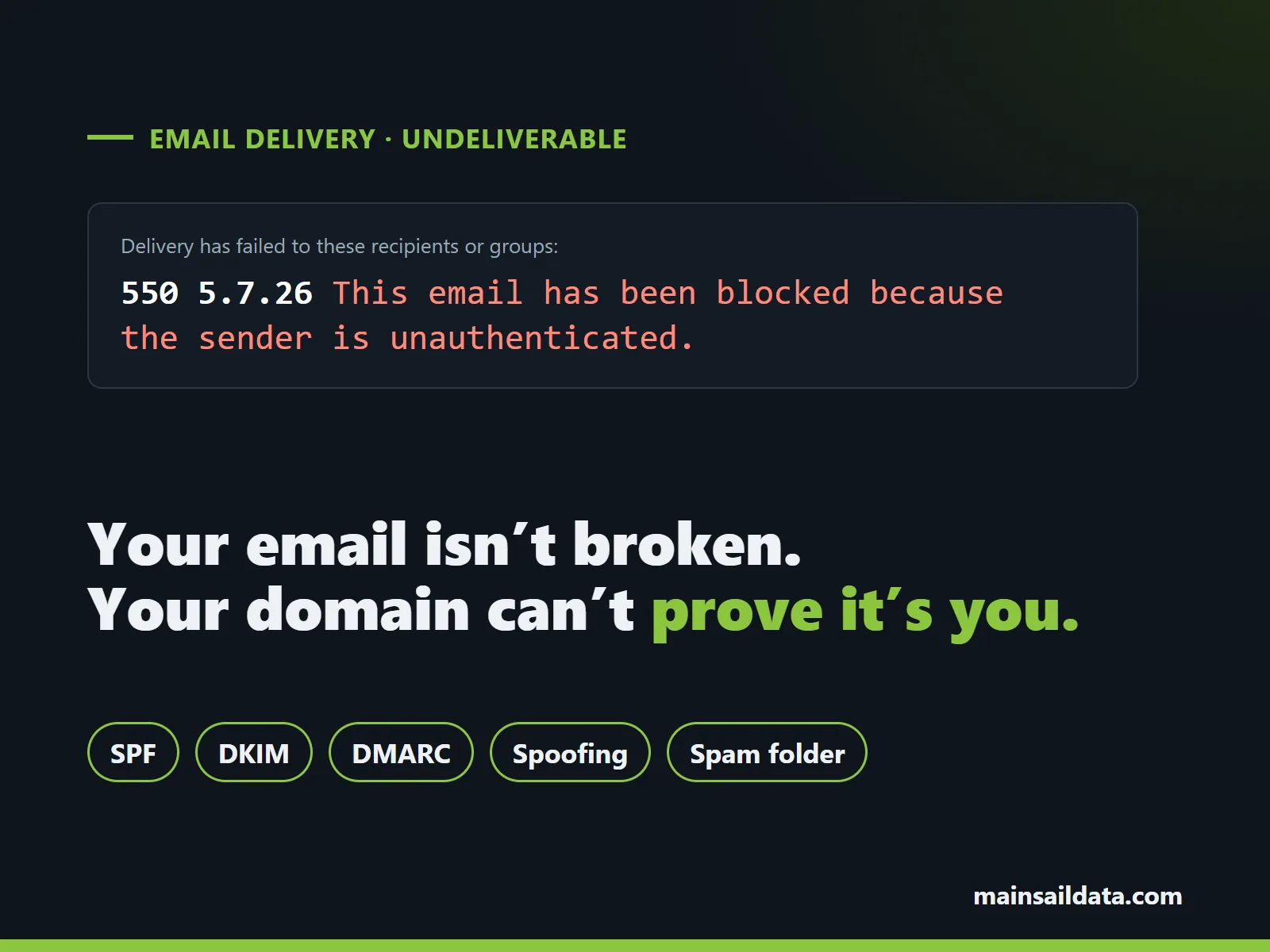
If your email is bouncing back or landing in spam, the most likely cause in 2026 is that your domain can’t prove the mail really came from you. Gmail, Yahoo and Microsoft now check three DNS records on every message (SPF, DKIM and DMARC) and reject or junk mail that fails. Fix those records and most delivery problems go away, along with a second problem you may not know you have: criminals sending email that looks like it came from you.
The short version
- Bounce with a 5.7.x code (550 5.7.26, 550 5.7.515, 550 5.7.509, 554 5.7.9): the receiving server rejected your message because authentication failed.
- No bounce, just spam: often the same cause, with the receiver filtering instead of rejecting.
- The fix: correct SPF, DKIM and DMARC for every service that sends as your domain.
- The catch: those records drift as you add tools, so a one-time fix tends to break again.
Mail bouncing right now? We find what’s failing, repair SPF, DKIM and DMARC, and can keep them right every month with MainSail Managed DMARC.
One-time repair or ongoing management. The quote is free.Why are my emails suddenly going to spam or bouncing?
Because the rules changed, and the big mailbox providers are now enforcing them.
- Google and Yahoo began requiring sender authentication in February 2024. Every sender needs SPF or DKIM. Anyone sending about 5,000 or more messages a day to Gmail needs SPF, DKIM and DMARC. Google says that starting November 2025, Gmail is ramping up enforcement, including temporary and permanent rejections of mail that doesn’t comply.
- Microsoft began sending non-compliant mail from high-volume senders to Junk at Outlook.com in May 2025, and Microsoft’s mail services honor a domain’s DMARC policy when it says to quarantine or reject.
Mail that used to slip through now gets checked. If your domain was set up years ago, moved from one email provider to another, or added a few cloud tools along the way, there’s a good chance one of the three records is missing, wrong or out of date.
Spam isn’t always about authentication. Content, sending volume, complaint rates and a sending server’s reputation all matter too. But authentication is the first thing receivers check, and the most common thing we find broken.
What does my bounce message mean?
A bounce (also called a non-delivery report, or NDR) usually includes a three-digit code, a code like 5.7.26, and a sentence of explanation. Codes starting with 5 are permanent rejections. Codes starting with 4 are temporary: the sending server will retry for a while, then give up and bounce. Here are the authentication-related ones people search for most, with the wording each provider publishes.
550 5.7.26 (Gmail): “the sender is unauthenticated”
Google’s wording: “This email has been blocked because the sender is unauthenticated.” Your message passed neither SPF nor DKIM. A related 5.7.26 message reads “Unauthenticated email from [your domain] is not accepted due to domain’s DMARC policy,” which means the message failed DMARC and your own DMARC record told Gmail to reject it.
550 5.7.27 and 550 5.7.30 (Gmail): SPF or DKIM failed
5.7.27 means the message “didn’t pass SPF authentication.” 5.7.30 means it “didn’t pass DKIM authentication.” The temporary versions, 421 4.7.26, 4.7.27 and 4.7.30, say your mail has been “rate limited” for the same reasons. Those messages are delayed now and may bounce later.
550 5.7.25 (Gmail): no PTR record
The sending server’s IP address has no reverse DNS (PTR) record. This usually points to a server, app or device sending mail directly instead of through Microsoft 365, Google Workspace or a proper sending service.
550 5.7.515 (Outlook.com, Hotmail, Live): “required authentication level”
Microsoft’s wording: “Access denied, sending domain [your domain] does not meet the required authentication level.” Outlook.com wants SPF and DKIM to pass and a DMARC record that lines up with them.
550 5.7.509 (Microsoft 365): “does not pass DMARC verification”
“Access denied, sending domain [your domain] does not pass DMARC verification and has a DMARC policy of reject.” This one is your own policy at work. Someone set your DMARC record to reject, and a service sending as you (often accounting software, a newsletter tool or a website form) was never set up to authenticate.
550 5.7.23 (Microsoft 365): SPF violation
“The message was rejected because of Sender Policy Framework violation.” The server that sent the message isn’t listed in your SPF record, or your SPF record is broken.
554 5.7.9 (Yahoo and AOL): “not accepted for policy reasons”
Yahoo’s wording is short: “Message not accepted for policy reasons.” Yahoo says this can mean the message failed authentication checks against your domain’s DMARC or DKIM policy. Mail that was automatically forwarded can trigger it too.
What are SPF, DKIM and DMARC, in plain English?
They’re three text records in your domain’s DNS, the public directory that tells the internet where your website and email live.
- SPF (Sender Policy Framework) lists the servers allowed to send email for your domain: Microsoft 365, your newsletter service, your accounting software, and so on.
- DKIM (DomainKeys Identified Mail) adds a digital signature to each message, so the receiver can confirm it really came from your domain and wasn’t altered on the way.
- DMARC ties the two to the address your reader actually sees in the From line, tells receivers what to do when a message fails (nothing, junk it or reject it), and asks them to send you reports about every message using your domain.
SPF and DKIM prove who sent a message. DMARC is the policy and the paper trail. You need all three.
What usually breaks them?
- DKIM was never turned on. Microsoft 365 doesn’t sign mail from your own domain with DKIM until DKIM is enabled for that domain. Google Workspace requires an admin to generate a key, publish it in DNS and start authentication.
- Too many SPF lookups. SPF allows at most 10 DNS lookups. Each “include” for a cloud service uses one or more, and once you pass 10 the whole record fails with a “permerror.” It breaks silently, often the day someone adds one more tool.
- Two SPF records. A domain may have only one. Two records, often one left from an old provider, also produce a permerror.
- Forgotten senders. Accounting software that emails invoices, a newsletter service, a CRM, a website contact form, a scanner or copier that emails scans. Industry software is the one most often missed: practice management, dispatch or property management systems that email customers in your name. Each one sends as your domain and each one needs its own SPF entry or DKIM setup.
- Leftovers from a migration. Records pointing at a previous email provider, or missing ones for the new provider.
- Forwarding. Forwarded mail can break SPF and sometimes DKIM, which is why DMARC needs at least one of them to survive.
- DMARC enforced too early. Setting the policy to reject before every legitimate sender is authenticated blocks your own mail (that’s the 5.7.509 bounce above).
How can I check my own domain?
- Read the whole bounce. The code and sentence usually say which check failed and which provider rejected you.
- Send a test to a Gmail address and open it there. In the message menu, choose “Show original.” Gmail lists SPF, DKIM and DMARC with PASS or FAIL next to each.
- Look at the message headers for the “Authentication-Results” line, which shows spf=, dkim= and dmarc= results. In classic Outlook, open the message and choose File, then Properties.
- Test every way you send. A normal email can pass while invoices from your accounting software fail. Send a test from each tool that emails on your behalf.
How do you fix it?
The repair itself is DNS work, and it follows the same order every time:
- List every service that sends email as your domain.
- Publish one SPF record that covers all of them and stays under 10 lookups.
- Turn on DKIM in Microsoft 365 or Google Workspace, and set up DKIM for each other sender that supports it.
- Publish a DMARC record in monitoring mode (p=none) with reporting turned on.
- Remove records left over from old providers.
- Test each sending service until everything passes.
DNS changes usually take effect within a few hours. Google notes DKIM can take up to 48 hours to start working after it’s turned on.
Why doesn’t a one-time fix stay fixed?
Because the things that send email as your business keep changing. Someone signs up for a new newsletter tool. Your accounting software changes how it sends invoices. A vendor changes its servers. Each change can push SPF past its 10-lookup limit or add a sender nobody authorized, and mail quietly starts failing again.
And a DMARC record left in monitoring mode reports spoofing but doesn’t stop it. Moving safely to quarantine and then reject means reading the DMARC reports every mailbox provider sends you. Those arrive as XML files, every day, and almost nobody opens them.
What else does fixing this solve?
The same records that get your mail delivered also protect your name.
- Spoofing stops. Without an enforced DMARC policy, anyone can send email that shows your exact domain in the From line: a fake invoice to your customers, a “new bank details” message to your vendors. With DMARC at reject, Gmail, Yahoo and Microsoft refuse those messages. (More on that scam in business email compromise and invoice fraud.)
- You see who sends as you. DMARC reports show every server using your domain, legitimate or not.
- Mail is delivered over encrypted connections. MTA-STS tells other mail servers to deliver to you only over an encrypted connection.
- Your logo can show in the inbox. BIMI displays your brand logo next to your messages in providers that support it, and it requires DMARC enforcement first.
DNS repair or MainSail Managed DMARC?
We offer both.
One-time DNS repair. We find every service sending as your domain, correct SPF, DKIM and DMARC, remove leftovers, test until your mail passes and set your DMARC policy to reject. Right for a business that needs the bouncing to stop and rarely changes how it sends email.
MainSail Managed DMARC. The same repair, then we keep watching. Your DNS records look static, but the reports mailbox providers send about your domain arrive every day, and those come to us. After setup your records point to our platform, so changes don’t mean editing your DNS again. In practice:
- You add a new tool that sends email: we authorize it and set up its DKIM. That’s included.
- A service changes its mail servers: managed SPF picks it up automatically and stays under the 10-lookup limit.
- An unfamiliar server sends as you: we’re alerted, find out what it is, and authorize it only if it’s yours.
- Your real mail starts failing: we see it in the reports and fix it.
- Your policy moves in stages from monitoring to quarantine to reject. We watch each stage and enforce only after a thorough review, because valid senders nobody knew about turn up often. Spoofed mail gets refused without blocking your own.
- Also included: managed DKIM, hosted MTA-STS with TLS reporting, and hosted BIMI.
- Reports if you want them: who sent as you, what passed, what failed and what we changed, on the schedule you choose. If you’d rather not read them, you don’t have to.
Stop the bounces and the fakes, and keep them stopped. See everything MainSail Managed DMARC includes, and get a free quote for your domain.
Prefer a one-time fix? Ask for the DNS repair on the same page.Get your email delivered again
Email bouncing, landing in spam, or worried someone is sending as you? Tell us your domain and what you’re seeing, and we’ll quote the repair or Managed DMARC for free. Contact us or call (772) 794-1194.